Auto-import subscriptions from Gmail
Let Econoglance scan receipts in your inbox and propose new subscriptions.
Updated May 14, 2026
Connecting Gmail is the fastest way to seed your subscription list. We only read receipt-shaped emails and never write or delete.
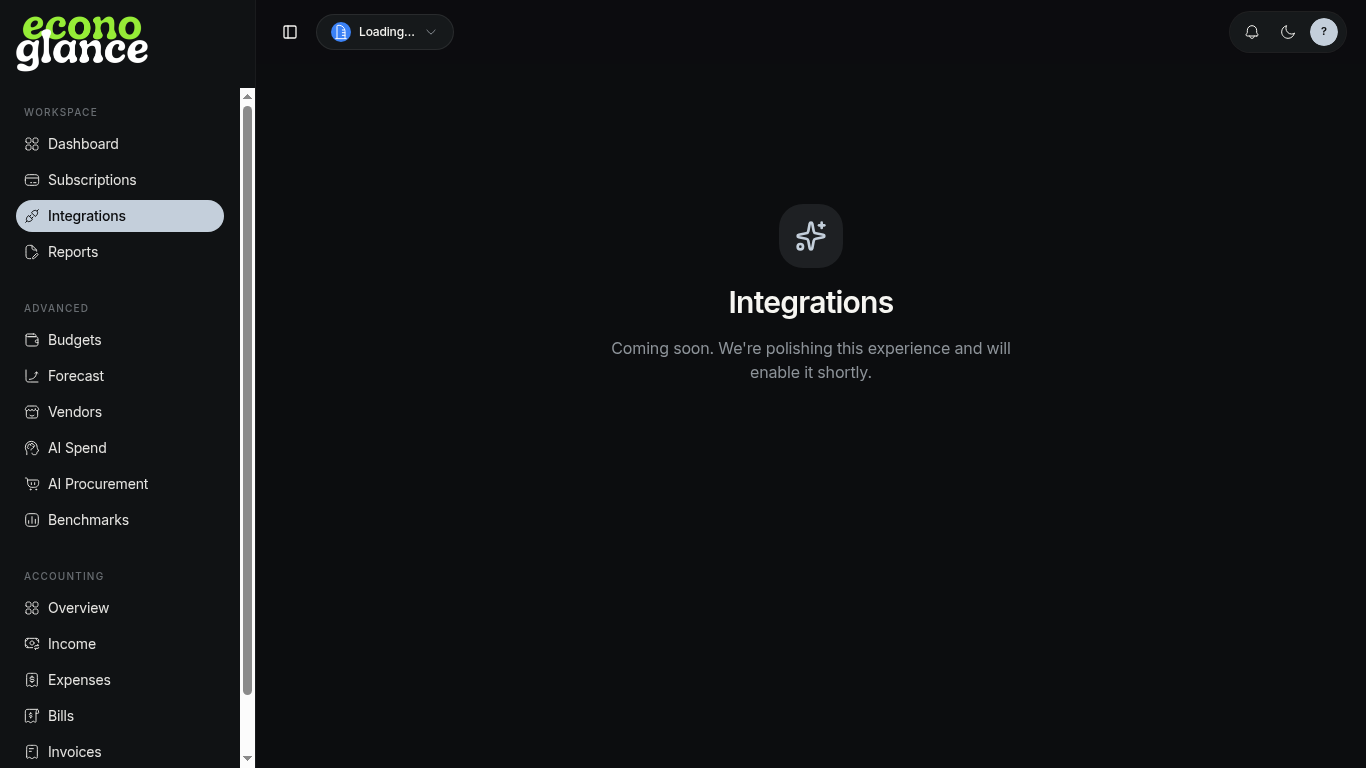
Connect
- Open Integrations.
- Click Connect Gmail and grant read-only access.
- Choose how many days to scan (default 90).
- Review proposed subscriptions in the inbox.
Apply or skip
Each proposal shows the matched email, vendor, and amount. Apply to add it as a subscription, or skip to ignore.