

Add a subscription
Track any recurring tool in under 30 seconds.
Updated May 14, 2026
Manually adding a subscription works for any vendor — including ones we don’t auto-detect.
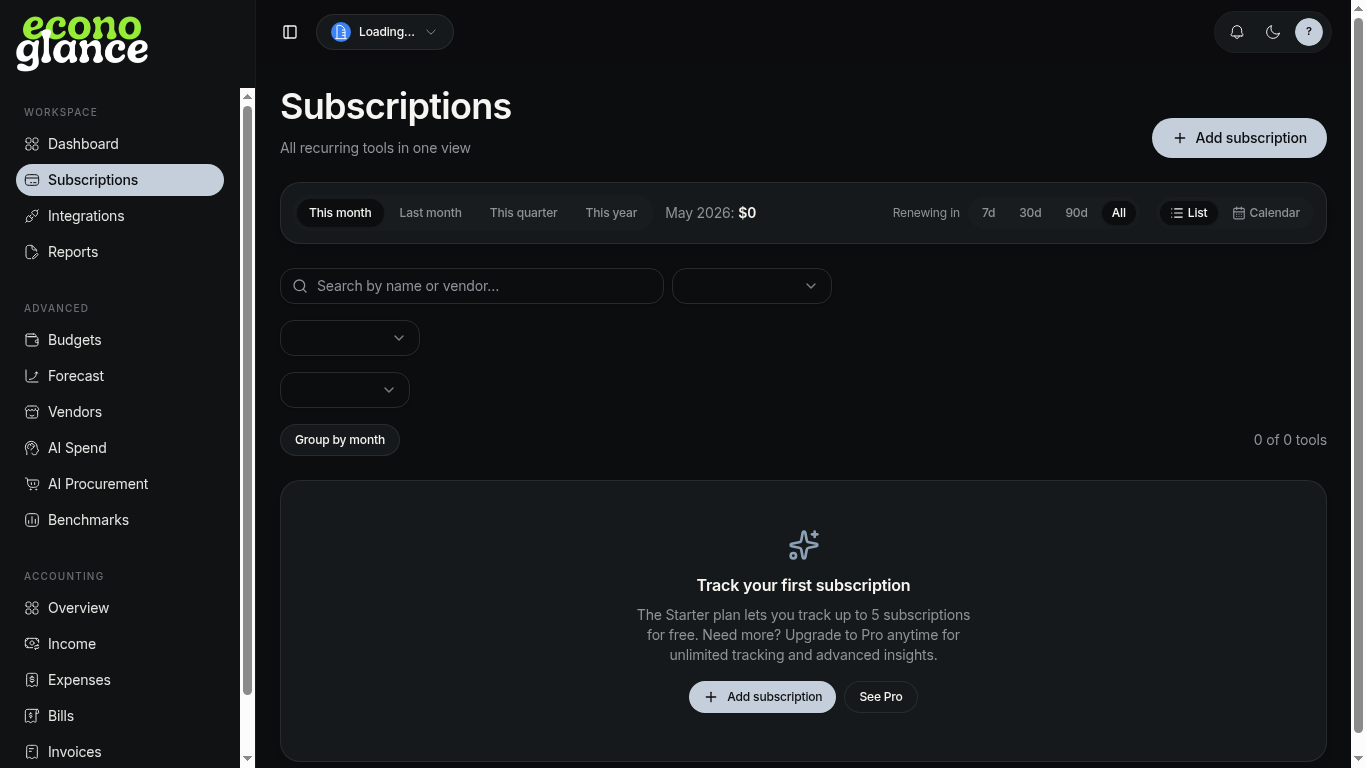
Steps
- Open Subscriptions from the sidebar.
- Click + Add subscription.
- Pick the vendor (or type a custom name) and amount.
- Choose billing cycle (monthly, yearly, custom).
- Set the next renewal date and save.
💡 On the Starter plan you can track 5 subscriptions for free. Upgrade to Pro for unlimited.