

Create your first invoice
Bill a customer with line items, taxes, and payment terms.
Updated May 14, 2026
Invoices in Econoglance are professional, printable, and automatically numbered (INV-1001, INV-1002…).
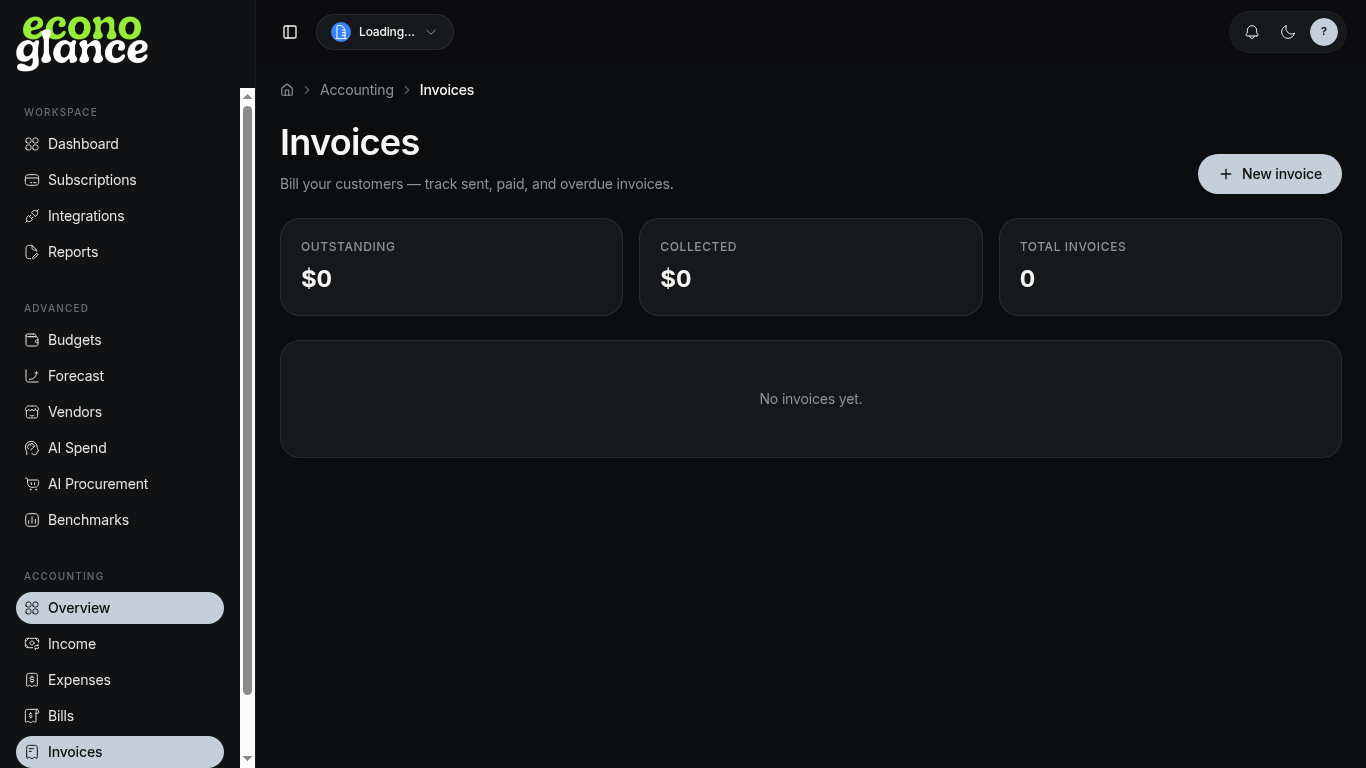
Steps
- Open Accounting → Invoices.
- Click + New invoice.
- Pick a customer (or add one inline).
- Add line items with quantity, unit price, and tax rate.
- Set issue date, due date, and payment terms.
- Save as draft, then send when ready.