Connect Gmail
Read-only Gmail access lets us auto-detect receipts.
Updated May 14, 2026
We never write to your inbox. The Gmail scope is read-only and you can disconnect at any time.
Connect
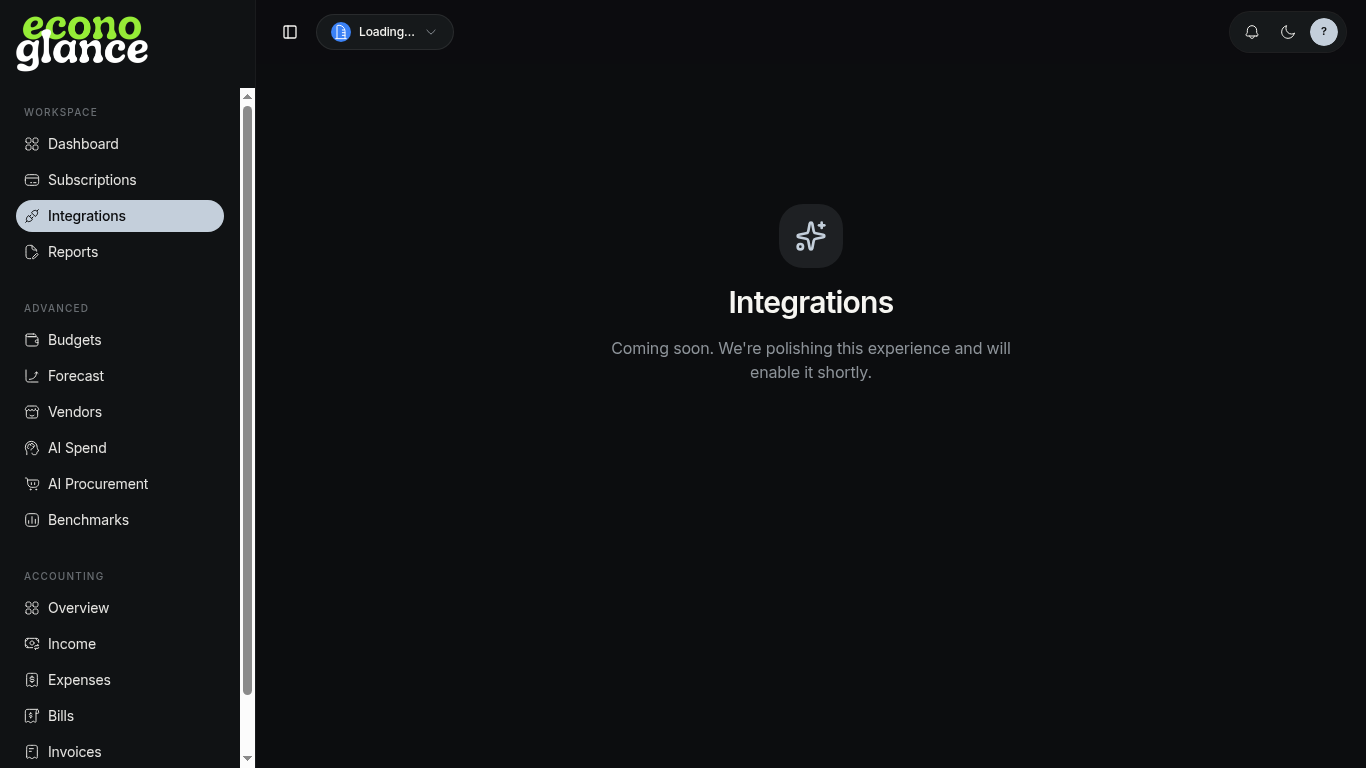
- Open Integrations.
- Click Connect Gmail and authorize.
- We immediately scan the last 90 days of receipts.
- Review and apply proposed subscriptions.
Disconnect
Click Disconnect on the Gmail card. Existing subscriptions stay; future scans stop.