

Create a bill
Track money you owe — manually or auto-generated.
Updated May 14, 2026
Bills are individual payables. Use them for one-off invoices from vendors or for tracking specific months of a recurring service.
Steps
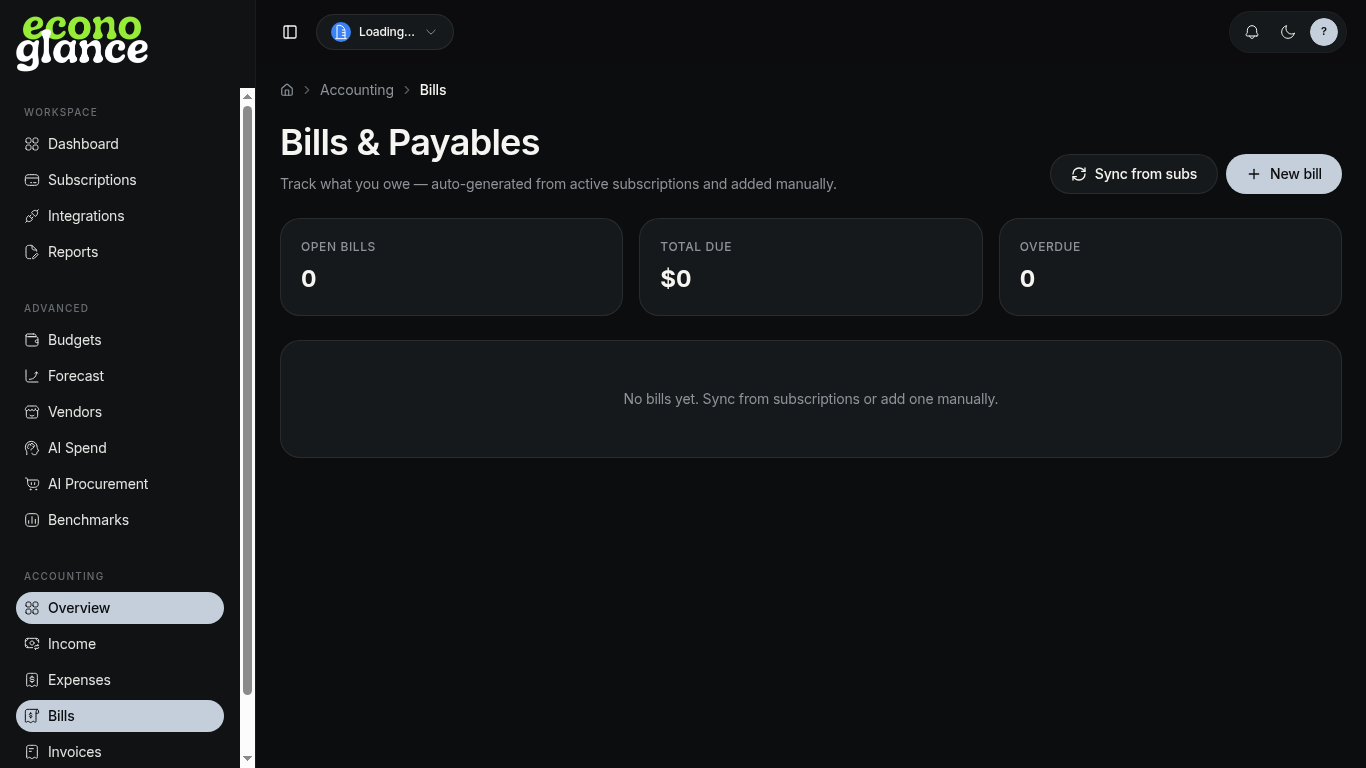
- Open Accounting → Bills.
- Click + New bill.
- Enter vendor, amount, issue date, and due date.
- Optionally link to a subscription so payments roll up.
- Save as Open. Mark Paid when settled.