

Invite teammates & roles
Add Owner, Admin, and Member roles to a workspace.
Updated May 14, 2026
Workspaces support up to 20 members. Roles control who can edit billing, manage integrations, and delete data.
Invite
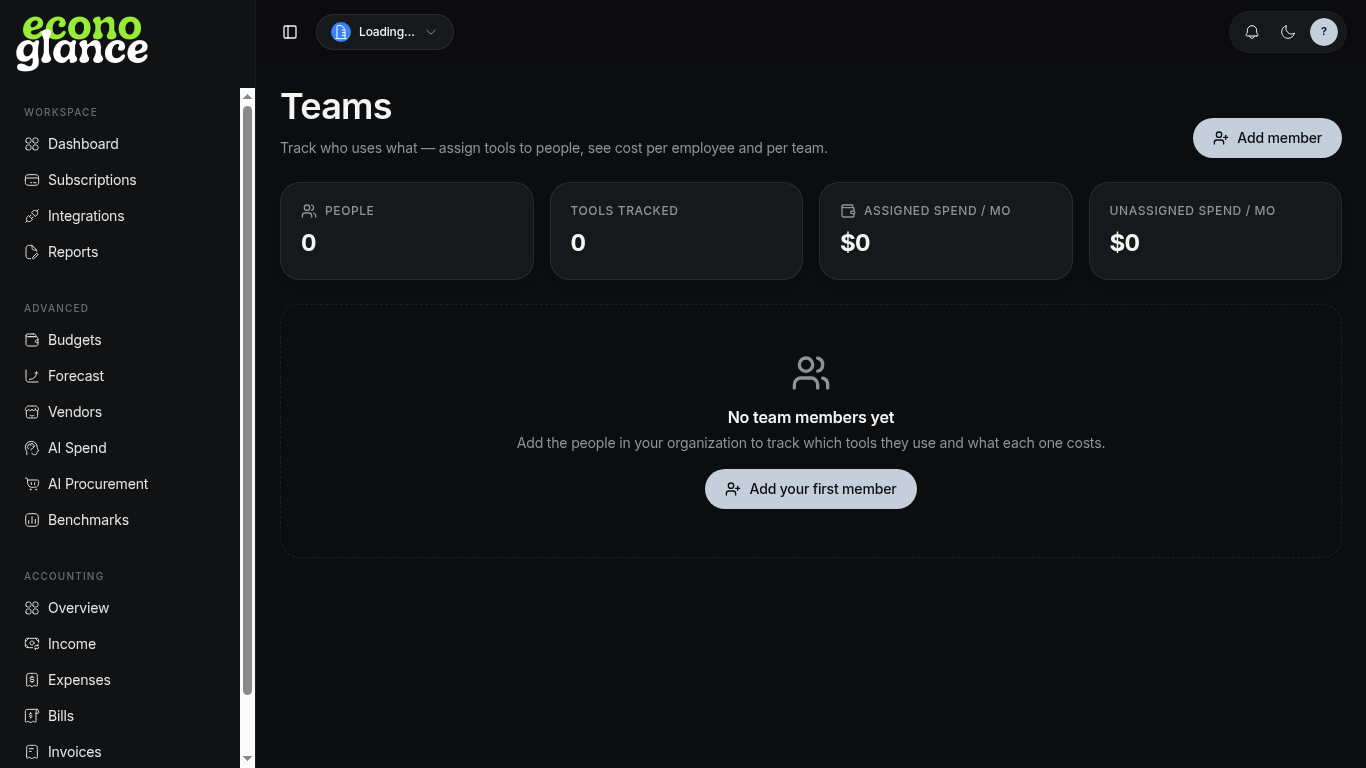
- Open Teams or Settings → Members.
- Click Add member.
- Enter email and pick a role (Owner, Admin, Member).
- They get an email invite valid for 7 days.
Roles
- Owner — full control, including billing
- Admin — manage integrations and members
- Member — read/write data, no admin