

SaaS Spend Management: How Modern Teams Cut 30% of Software Waste
SaaS spend management is the discipline of seeing every subscription, paying only for what gets used, and renewing on your terms. Here is the modern playbook.
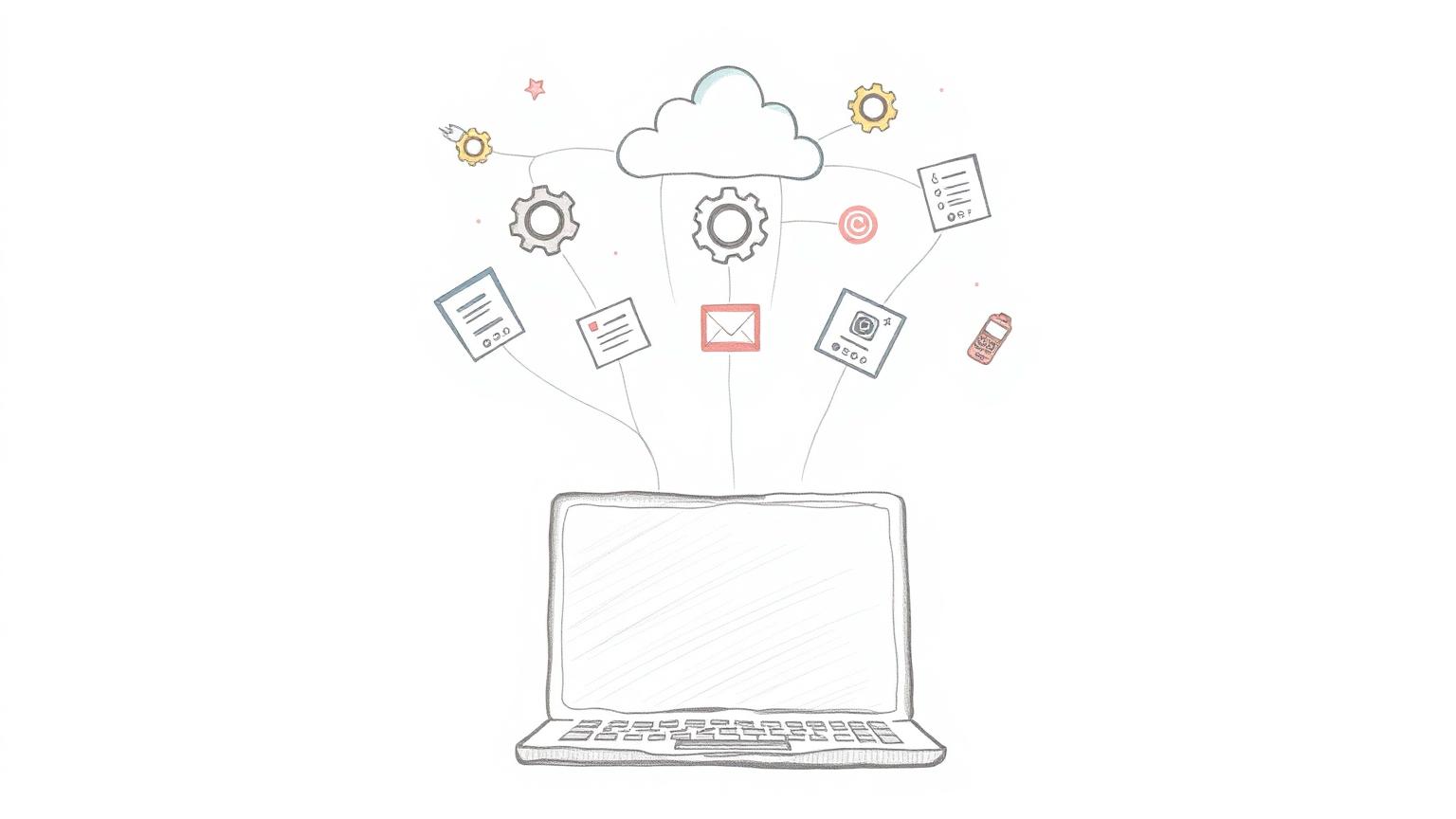
SaaS Spend Management in 2026
SaaS spend management used to be a finance side-project. In 2026 it is a line item on every CFO's quarterly plan. Software is now the second-largest controllable cost at most companies, behind payroll. Yet almost no one knows what they are paying for.
This piece walks through the modern playbook — what SaaS spend management is, the four pillars that make it work, and the metrics to track on a single page.
What SaaS spend management means today
SaaS spend management is the practice of discovering every software subscription a company pays for, measuring how much of each one is actually used, and shaping renewals around that data.
It used to mean a spreadsheet of contract end dates. That spreadsheet is no longer enough. Modern SaaS portfolios change weekly. New tools land on personal cards. AI subscriptions bill by usage. The job is now continuous, not annual.
Why it matters more in 2026
Three numbers tell the story. Gartner projects global SaaS spend will pass 300 billion dollars in 2026. The typical mid-market company runs over 130 apps. And independent benchmarks from Vendr show that 30% of paid SaaS seats see no activity in a 90-day window.
Translate that to a 200-person company spending 2M a year on software, and the waste is roughly 600K. That is a hire. That is a runway extension. That is your whole tooling budget for next year.
The four pillars of modern SaaS spend management
Pillar 1: Discovery
You cannot manage what you cannot see. Discovery means pulling subscription signals from every source — Gmail receipts, corporate card feeds, SSO logs, and direct integrations with vendors like Stripe and Paddle. The goal is one list with the real renewal date, real owner, and real cost for every tool.
Pillar 2: License intelligence
Once you have the list, ask: who actually uses each seat? Tie usage data — last login, active days, feature adoption — to each license. Idle seats become reclaim candidates. This is where the biggest, fastest savings live, and where Econoglance's license intelligence module spends most of its time.
Pillar 3: Renewal control
The worst day to negotiate is the day the contract ends. The best day is 90 days before. Modern SaaS spend management surfaces every upcoming renewal at the 90, 60, and 30 day marks, with usage data attached, so you walk into the conversation with leverage.
Pillar 4: AI tool budgets
This is the new one. AI tools bill by usage, not seats, so a busy product launch can double the OpenAI invoice overnight. Treat each AI vendor as a metered utility. Set monthly budgets with alerts at 80% and 100%. Track cost per active user.
The dashboard that runs the program
You only need six numbers on one screen.
- Total monthly run-rate. What does software cost this month, normalized?
- Tool count. How many active subscriptions?
- Idle seat percentage. What share of seats had zero activity last month?
- Vendors above benchmark. How many tools are you paying more than the peer median for?
- Renewals in the next 90 days. Sorted by dollar value.
- Top three AI tools by spend growth. Month over month.
Our expense management guide covers the broader buying decision.
How to start in your first 30 days
Week 1 — Discover
Connect Gmail, your corporate card, and one or two known SaaS billing sources. Let the system build the list.
Week 2 — Triage
Sort the list by monthly cost. For the top 20 tools, find the owner and last-login data. Cancel anything with zero activity for 60+ days.
Week 3 — Defend renewals
Pull every renewal in the next 90 days. For each one, attach a one-line usage summary and a peer benchmark price.
Week 4 — Set the cadence
Schedule a monthly 30-minute review with finance and one ops lead. Same six numbers every time.
Common pitfalls
First, treating discovery as one-time. New tools land every week. Connect data sources once and keep them live.
Second, asking individual managers to clean up their seats. It never happens. Make reclaim a finance-driven default, with manager opt-out.
Third, ignoring vendor benchmarks. List price is a starting bid. The expense report software world has the same problem, and the same solution.
Where Econoglance fits
Econoglance is the operating system for SaaS spend management. We auto-discover every subscription, attach last-login data, surface renewals 90 days out, and benchmark every vendor against an anonymized peer network. Teams typically reclaim 20 to 35% of software spend in the first quarter. See how it works or jump to pricing.
Frequently asked questions
Is SaaS spend management only for companies above 100 people?
No. The smaller the team, the higher the per-employee waste, because no one owns the cleanup. Smaller teams just need a lighter tool.
Can I do this with a spreadsheet?
You can run discovery once. You cannot maintain it. The list rots in 30 days.
How much will I actually save?
Median outcome we see in the first 90 days: 18 to 28% of total SaaS spend, mostly from idle seats and over-paid renewals.
What about security and data handling?
Pick a vendor with SOC 2 Type II, read-only Gmail scopes, and clear retention rules. Ours are documented at /security.
Want a calm view of every subscription you pay for? Create a free workspace and connect your first source in under five minutes.